
Last week I drove to Altrincham — a charming market town just south of Manchester — to pick up a Dell docking station I'd ordered. When I arrived at the shop, they told me it wasn't in stock. No dock, wasted trip. Or so I thought.
With nothing else to do, I decided to grab a coffee before the drive back. I walked into MOST Bakery at 3-5 Cross Street — a beautifully cosy place filled with the smell of freshly baked sourdough and excellent specialty coffee. I ordered a flat white, sat down, and needed to check a few things online.
"Excuse me, what's the WiFi password?"
What happened next turned a failed errand into one of the most satisfying moments I've had as a developer.
The Password That Could Protect Nuclear Secrets
The barista smiled apologetically and handed me a cardboard coffee cup sleeve. On it, someone had scrawled an 18-character password in tiny handwriting — a brutal combination of uppercase letters, lowercase letters, numbers, and special characters.
I stared at it. Then I stared at my phone's tiny keyboard. Then I stared at it again.
<> At that moment I genuinely considered whether I actually needed WiFi that badly./>
Now, I've noticed something about Britain and WiFi passwords. Back in Ukraine, café WiFi is either completely open, or the password is something like "12345678", the restaurant's name, or just a single dictionary word. Simple. Friendly. Welcoming.
In the UK, however, café owners seem to guard their WiFi with the same intensity as state secrets. I've encountered passwords in British cafés that would take longer to crack than the estimated remaining lifetime of our universe. Passwords that look like they were generated by a cat walking across a keyboard while having a seizure. MOST Bakery's 18-character masterpiece was a particularly fine specimen of this genre.
I started typing it in. Got it wrong. Tried again. Wrong again. Checked each character against the handwritten scrawl on the cup sleeve. Was that a zero or an O? A one or a lowercase L? Capital I or lowercase l? The handwriting wasn't helping.
The CTO Moment
On my third failed attempt, something clicked in my brain. I'm a CTO. I'm a full-stack developer. I literally have a tool on my own website that solves this exact problem.
My Password Generator tool at chyshkala.com doesn't just generate secure passwords — it has a dedicated WiFi QR Code generator built right in. You enter the network name and password, and it creates a QR code that anyone can scan with their phone to instantly connect. No typing required.
The irony was almost painful. Here I was, struggling to type a WiFi password by hand, while my own tool could make this problem disappear entirely — not just for me, but for every single customer who walks into this bakery.
From Problem to Solution in 10 Minutes
I pulled up my password generator tool on my phone and switched to the WiFi QR Code tab. I carefully entered the network name and that monstrous 18-character password (getting it right this time by cross-referencing my now-connected laptop). The tool generated a clean, scannable QR code instantly.
How WiFi QR Codes Work
For the curious, WiFi QR codes use a simple standardised format that both iOS and Android understand natively:
1WIFI:T:WPA;S:<network_name>;P:<password>;;When a phone camera scans this QR code, the operating system recognises it as a WiFi configuration and offers to connect automatically. No manual typing, no squinting at handwritten characters, no guessing whether that's a zero or an O.
The Gift
But I didn't stop at just connecting my own phone. I had an idea.
I popped into the nearest Boots, bought a small photo frame for £2 and printed out the Wi-Fi connection QR code to put in it. It turned out to be a lovely little gift, which I took back to the bakery. I also asked the staff for their email addresses. Then I:
- Generated the WiFi QR code in multiple formats — PDF for printing and PNG for digital use
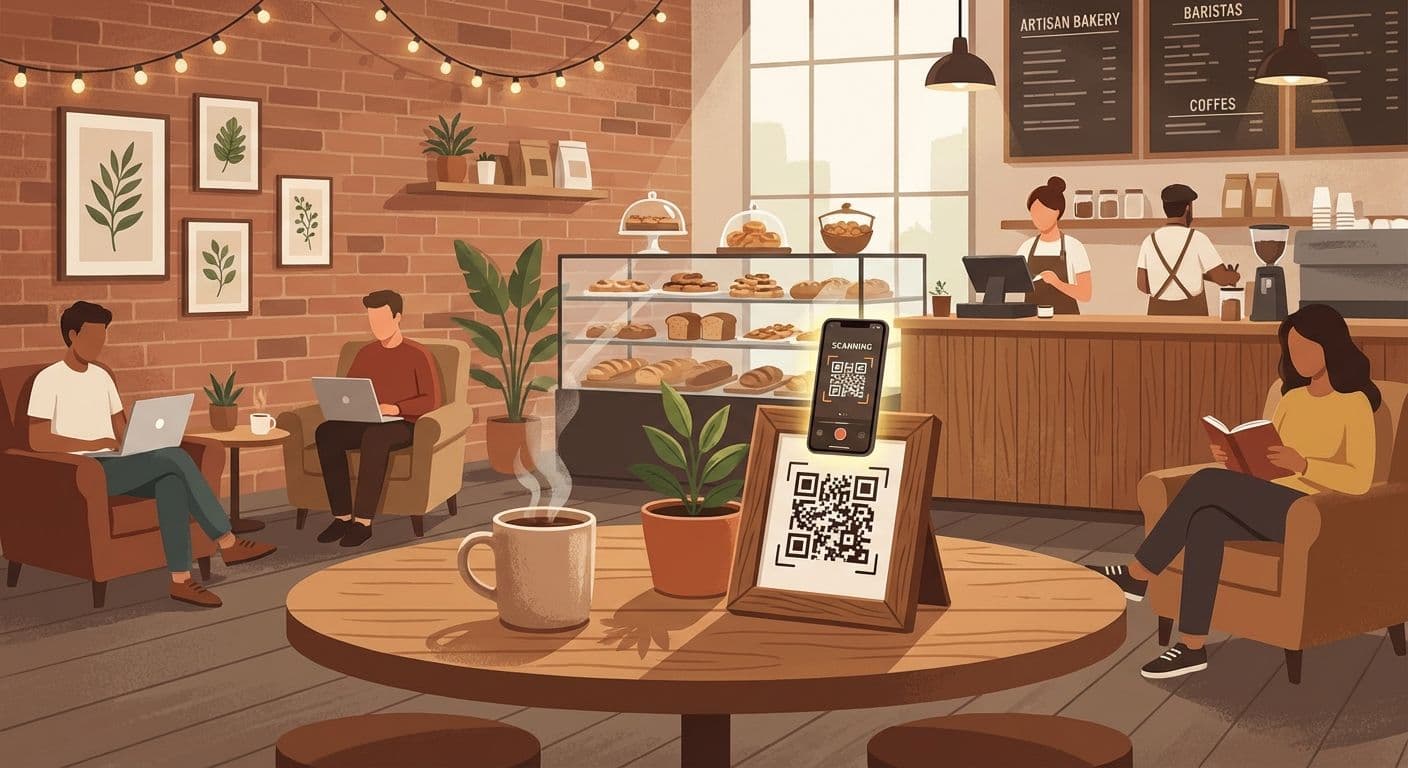
- Printed the QR code, placed it in the £2 photo frame
- Gave the framed QR code to the bakery staff to place on the counter
- Emailed them the digital files plus a link to the free tool so they could regenerate the QR code whenever the password or network name changes
The reaction from the staff was brilliant. They immediately understood the value — no more scribbling passwords on cup sleeves, no more customers failing to connect, no more interruptions to explain which characters are uppercase.
The Tool Behind the Story
The Password Generator is one of several free developer tools I've built at chyshkala.com. While its primary purpose is generating secure passwords, the WiFi QR Code feature has turned out to be surprisingly useful in the real world.
Here's what the WiFi QR Code generator offers:
- Network configuration — supports WPA/WPA2, WEP, and open networks
- Hidden networks — toggle for networks that don't broadcast their SSID
- Instant QR generation — preview updates in real-time as you type
- Multiple export formats — download as PNG image or print-ready PDF
- Print-optimised layout — designed to look good in a frame or printed on paper
- Completely free — no sign-up, no limits, no ads
The tool also includes a full-featured password generator with customisable length, character sets, pronounceable passwords, passphrases, and real-time strength analysis — but that's a story for another post.
Why Developers Should Look Up From Their Screens
This experience reminded me of something I think we forget too often in tech: we possess knowledge that can genuinely improve the world around us, but only if we actually apply it outside our codebases.
Think about it. As developers, we know things that most people don't:
- That WiFi QR codes exist and that any phone can scan them
- That a simple script can automate hours of repetitive manual work
- That free, powerful tools exist for problems people don't even realise are solvable
- That most "tech problems" regular people struggle with have elegant, simple solutions
But this knowledge is worthless if it stays in our heads, our terminals, and our Slack channels. The café staff at MOST Bakery had no idea WiFi QR codes were a thing. Their customers had been manually typing that nuclear launch code of a password for who knows how long. The solution took me 10 minutes and cost £2.
<> Change starts with caring. With "it's not someone else's problem." With actually doing something instead of just knowing you could./>
How to Be the Helpful Developer
Inspired by the MOST Bakery experience? Here are some ways you can use your tech skills to help the world around you:
- Generate WiFi QR codes for your local café, gym, coworking space, or office using the free tool. It takes 30 seconds.
- Help a small business set up a proper backup system before they lose everything
- Show someone how to use a password manager instead of the same password everywhere
- Set up ad blockers or privacy tools for friends and family who don't know they exist
- Explain two-factor authentication to someone who's never heard of it
- Help a local charity or non-profit with their website — even small improvements matter
None of these require building a startup or writing a thousand lines of code. They just require noticing a problem and deciding to fix it.
The Best Code You'll Ever Write
I never did get that Dell docking station. But I left Altrincham having solved a real problem for real people in a real bakery. No pull request, no code review, no deployment pipeline — just a QR code in a £2 frame.
Sometimes the most impactful thing a developer can do has nothing to do with their IDE. It's about looking up, noticing the world around you, and thinking: "I know how to fix that."
And if you happen to be near Altrincham, go visit MOST Bakery at 3-5 Cross Street. The coffee is excellent, the sourdough is phenomenal, and connecting to their WiFi is now as easy as pointing your camera at a framed QR code on the counter.
You're welcome.
Try It Yourself
Want to generate a WiFi QR code for your favourite café, your office, or your home network? Try the Password Generator tool — it's free, runs entirely in your browser, and doesn't store any data.