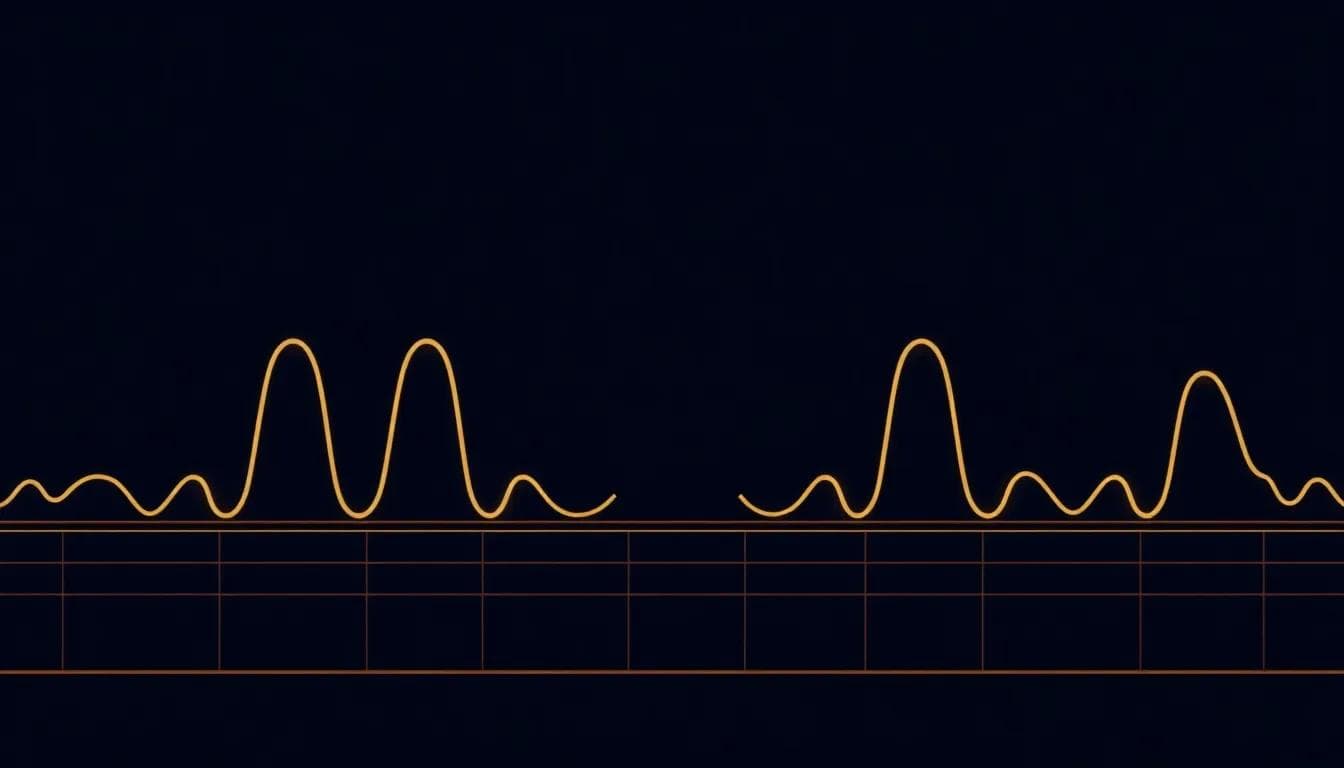

Editor’s note: This article discusses QUAD7SHIFT, an open-source Arduino library created by Alex Rosito. It builds on his original write-up, “Why most 74HC595 display drivers flicker — and how QUAD7SHIFT avoids it without trying” (dev.to, April 28, 2026). All credit for the library and its underlying analysis belongs to its author.
Most 74HC595 tutorials teach you how to wire the chip, but they miss the critical timing patterns that determine whether your display flickers or not. A Chinese technical site recently cited QUAD7SHIFT as a reference implementation for flicker-free displays — and the interesting part, as its author Alex Rosito explains, is that he never set out to solve flicker. The library just happened to get the timing right by following embedded fundamentals.
The Real Culprit: Duty Cycle Mathematics
When you're multiplexing 6 seven-segment displays with 74HC595 shift registers, each digit is only illuminated for 1/6th of the total cycle time. That's roughly a 17% duty cycle. But here's where most implementations go wrong:
1// Typical flicker-prone approach
2void displayDigit(int digit, int value) {
3  digitalWrite(digitPins[digit], HIGH);
4  shiftOut(dataPin, clockPin, MSBFIRST, segments[value]);
5  digitalWrite(latchPin, HIGH);
6  digitalWrite(latchPin, LOW);
7  delay(5);  // The killer - static delay
8  digitalWrite(digitPins[digit], LOW);
9}
That innocent delay(5) might seem reasonable, but it’s creating visible flicker. With 6 digits and 5ms per digit, the refresh rate drops to about 33Hz—well below the 60Hz threshold where flicker becomes invisible to most cameras and some human eyes.
<> The difference between a flickering display and a smooth one often comes down to microseconds, not the hardware choice./>
Why QUAD7SHIFT Got It Right
QUAD7SHIFT avoids flicker not through clever anti-flicker algorithms, but by following embedded systems fundamentals:
1// Non-blocking timing approach
2static uint32_t lastUpdate = 0;
3static uint8_t currentDigit = 0;
4
5void updateDisplay() {
6  uint32_t now = micros();
7
8 if (now - lastUpdate >= DIGIT_CYCLE_TIME) {The key insight: eliminate dead time between digit switches. Every microsecond spent in delays or unnecessary operations reduces the effective duty cycle and pushes the display closer to visible flicker territory.
The Camera Problem Nobody Mentions
Here's something most Arduino tutorials won't tell you: displays that look perfectly fine to your eyes can flicker horribly on camera. Smartphone cameras and video equipment capture flicker that's invisible to human vision because their sampling rates interact with the refresh timing in unpredictable ways.
This surfaced when developers reported that other 74HC595 implementations looked fine in person but produced unwatchable videos. The duty cycle math becomes even more critical when you consider:
- Camera frame rates: 30fps, 60fps, 120fps all create different interference patterns
- Rolling shutter effects: Each row of camera pixels samples at slightly different times
- Automatic exposure: Cameras adjust exposure dynamically, making flicker more or less visible
The Hardware Details That Actually Matter
While timing patterns are crucial, certain hardware choices amplify or reduce flicker sensitivity:
Power supply decoupling makes timing more consistent:
174HC595 Pin 16 (VCC) ----[0.1µF]---- Pin 8 (GND)Without proper decoupling, voltage sag during digit transitions can introduce timing jitter that makes flicker more noticeable.
Current limiting affects brightness uniformity:
When your duty cycle is already low, inconsistent current limiting between segments creates perceived flicker even when timing is perfect. Each segment line needs its own resistor—sharing resistors across segments creates current distribution problems.
Beyond Multiplexing: The Nuclear Option
Some applications simply cannot tolerate any flicker risk. For these cases, abandoning multiplexing entirely makes sense:
1// Dedicated 74HC595 per digit - no multiplexing needed
2void updateAllDigits() {
3  for (int i = 0; i < NUM_DISPLAYS; i++) {
4    digitalWrite(latchPins[i], LOW);
5    shiftOut(dataPin, clockPin, MSBFIRST, displayData[i]);
6    digitalWrite(latchPins[i], HIGH);
7  }
8}
This approach uses more pins and components but guarantees 100% duty cycle on all digits. For applications involving video documentation or precise visual timing, the extra cost is often justified.
Why This Pattern Recognition Matters
QUAD7SHIFT illustrates something important about embedded development: correct implementations often emerge from following fundamental patterns rather than solving specific problems. When you focus on efficient timing, minimal blocking operations, and proper hardware practices, many common issues—like display flicker—resolve themselves.
This applies beyond 74HC595 displays. The same timing discipline that prevents flicker also improves sensor responsiveness, reduces power consumption, and makes debugging easier.
Next time you’re implementing any multiplexed hardware interface, measure your duty cycles and refresh rates before declaring the project complete. Your future self (and your users’ cameras) will thank you.
Credit & Further Reading
QUAD7SHIFT is the original work of Alex Rosito, a self-taught electronics engineer. Explore the library and the full technical analysis here:
“Why most 74HC595 display drivers flicker — and how QUAD7SHIFT avoids it without trying” (dev.to)